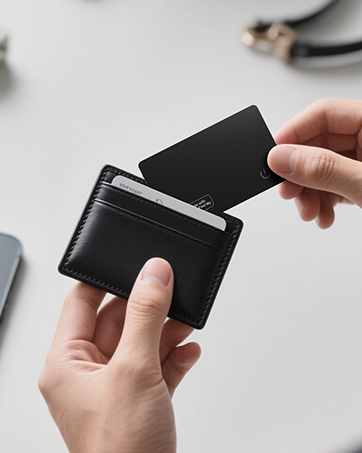
Product description


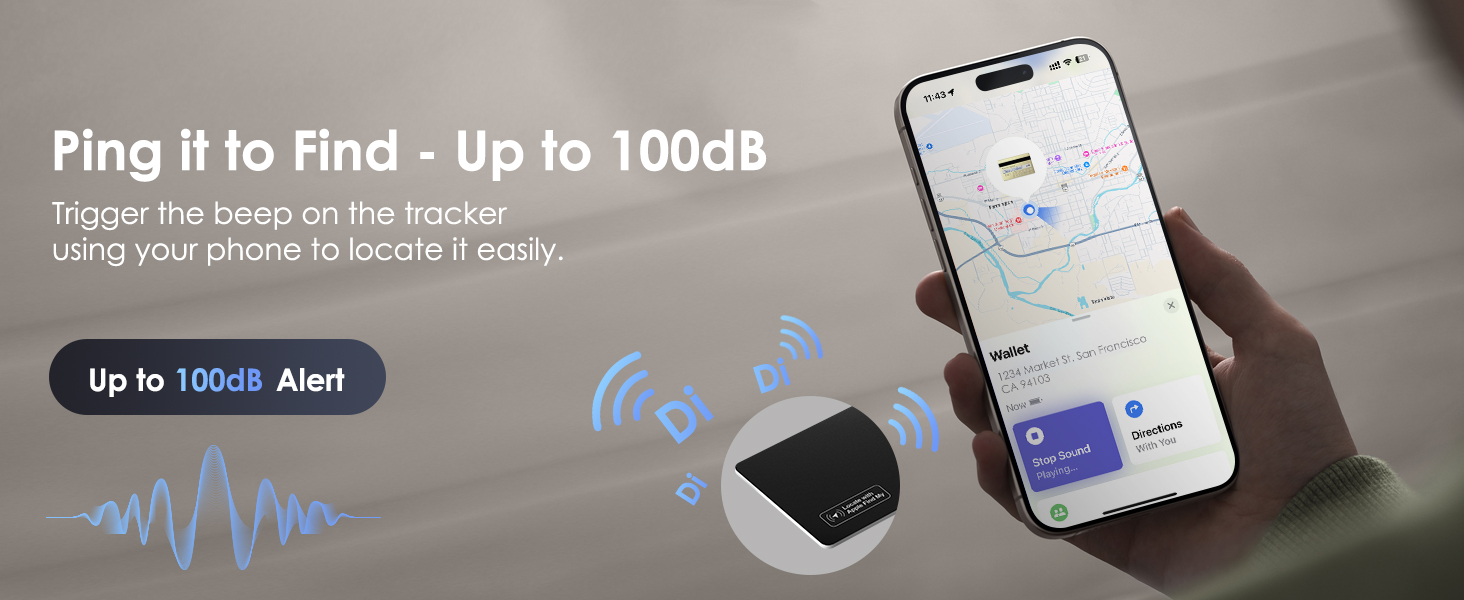


Work with Find My, Ways to Set up

-
How do I charge Tracker Card? How do I know it's full charged?
This wallet tracker card requires wireless charging. A blue light indicates it is fully charged. Please note that a wireless charger is not included in the package.
-
Why can't I charge the tracker card?
Please make sure your wireless charger is working properly. Place the tracker card with the button facing up, and align the wireless charging icon on the card with the center of the charger's coil. A red light will appear when the card is charging.
-
Why can't I connect the tracker card to my phone?
Make sure Bluetooth is on. To reset: press power button 4 times quickly, then press and hold until you hear a tone. Press once more to power on. Go to Find My > Add Item > Other Supported Item. Only work with Apple Find My. Not support Android.
-
Will the tracker card demagnetize or interfere with my credit cards?
No, the tracker has no magnets and won’t demagnetize or interfere with your cards. It has enough metal to attach to a MagSafe charger and receive power safely.
-
Can I use KINDEEP tracker card in an RFID-blocking or magnetic wallet?
Yes. RFID shielding doesn’t block Bluetooth, but metal materials may weaken the tracker card’s signal. We recommend testing it based on your wallet’s material and placement.
From the brand
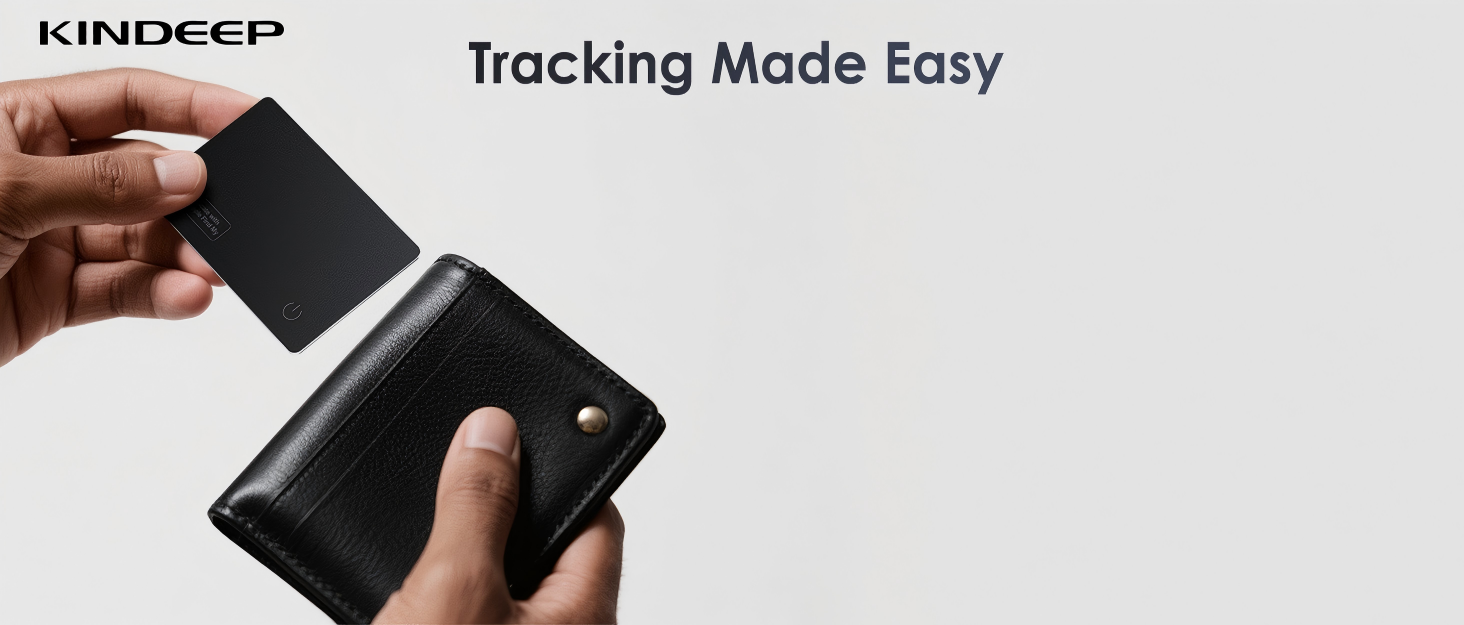

Have you ever left home, only to panic that your wallet’s missing? At KINDEEP, we’ve felt that same worry and wanted a smarter way to stay organized.
So we created our ultra-thin wallet tracker card. Unlike bulky round trackers, ours slides invisibly into any wallet. No bulge, just powerful tracking for peace of mind in your wallet, luggage, or backpack. Never lose what matters.